


Join the PubCoder 6 Beta Program: early access and 30% off any yearly plan

We are opening the PubCoder 6 Beta Program, and we are inviting you to be part of it.
The program is open now, to everyone who has used PubCoder: current license holders, people whose license expired, and anyone who ran a trial and moved on. If you have never tried PubCoder, you are welcome too.
Already used a trial, or an earlier beta? Don’t worry: we reset it. You get a fresh 15-day trial, enough for the beta. The beta installs alongside your current PubCoder, so your existing projects stay exactly where they are.
Everyone who joins the program gets 30% off any PubCoder yearly plan. The terms are in How the discount works below.
What the program is
The Beta Program is for people who will use PubCoder 6 on real work and tell us what happens. We ask you to:
- Subscribe at beta.pubcoder.com.
- Install the beta and build or convert at least one real project.
- Tell us what works and what does not.
- Keep production work on your current version, because a beta can have rough edges.
What you get
- 30% off any PubCoder yearly plan.
- Direct contact with the team that builds it.
- A say in what the final release looks like.
Who we are looking for
Teachers and school staff, editors and publishers, designers and agencies, and institutions that need to prove compliance. Whether you make one book a year or one a week, what we need is real projects.
How the discount works
- How you get it: build something real with the assistant, then tell us how it went in the short feedback form. Your code arrives by email within a few working days.
- Who qualifies: everyone who completes the feedback.
- What it is: a personal code. It is yours alone and single-use.
- Where it applies: any yearly plan, whether you buy now or later.
How to join
Three steps, one honest opinion.
- Join. Fill in the form at beta.pubcoder.com and get the beta download by email.
- Build with the assistant. Create a project and let the AI do the work. Push it, try different models, see where it shines and where it struggles.
- Tell us. Answer a short feedback form and get your personal 30% code, valid on any yearly plan, now or later.
If you have questions, write to beta6@pubcoder.com. We read everything.
What you will be testing
The main change in PubCoder 6 is AI built into the app. The rest of the release makes the whole accessible publishing path work in one place.
AI that builds the book with you
PubCoder 6 has an AI agent that works inside the app. It does not just answer questions about PubCoder. It operates PubCoder, the way you would.
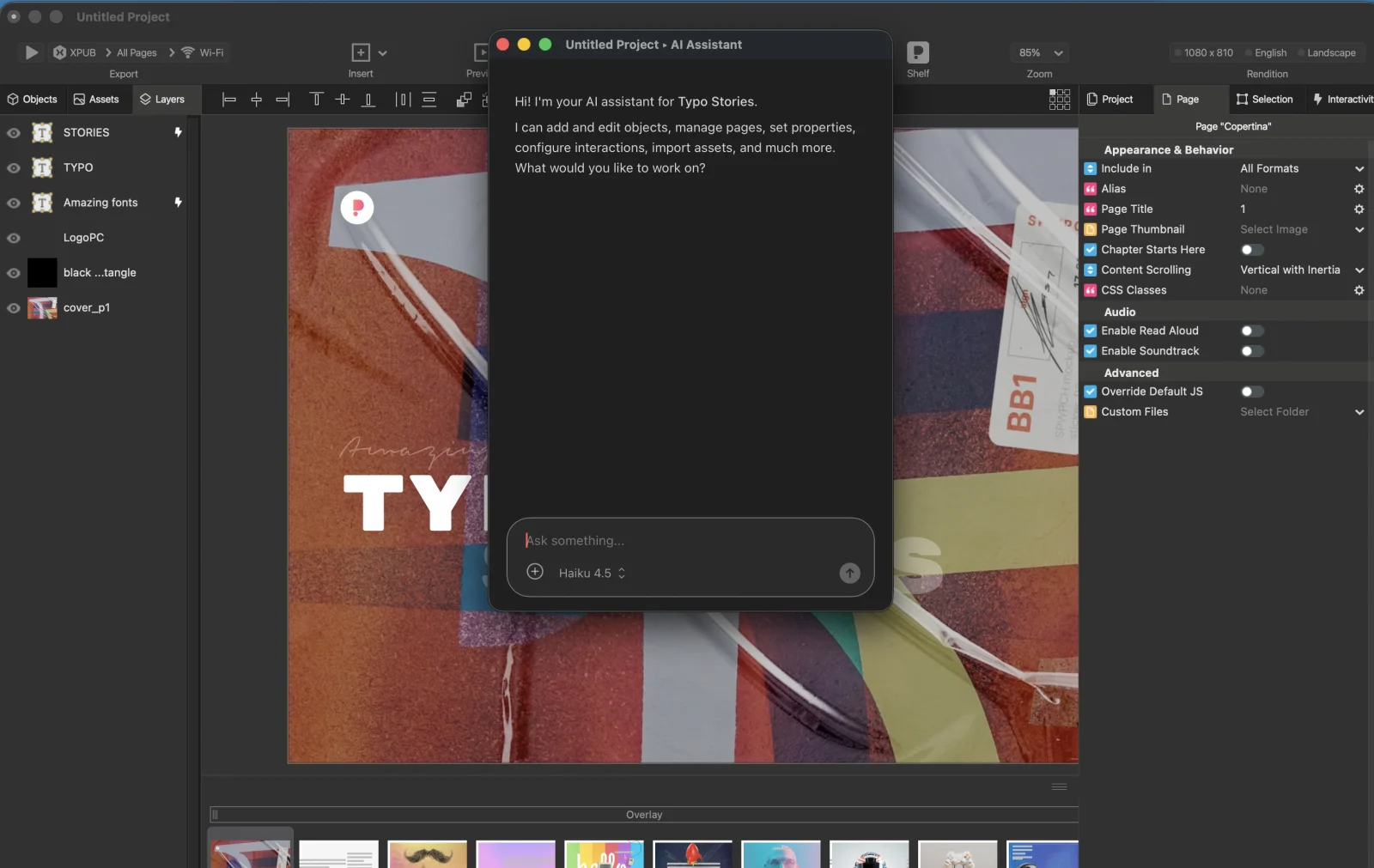
Start a project from scratch. Describe the book you want: the topic, the pages, what goes on each one. The agent creates the project, lays out the pages and fills them in, and you open and edit the result like any other PubCoder project. This is one of the prompts we used to test it, and it builds a whole book from nothing:
Make an interactive book about the 8 inventions that changed the world. You should choose the inventions yourself and build a page for each one, with two or three photos (pick and place them yourself), a short story, fun facts and statistics. The statistics should be initially hidden and open in a popup. There should also be a gallery with 10 photos of the invention in use (pick and place these too).
Shape the whole book with one phrase. Some requests apply to every page at once. These are the ones we ran next, on the same book:
The layout should be modern and colorful, use a grid and use a color palette inspired by the era of each invention.
Add an Italian rendition and translate all content.
Change the font of the book to OpenDyslexic.
Convert all image objects on the invention pages into pan and zoom widgets.
A new grid layout, a full translation, an accessible font and a new behaviour on every image, each from a single sentence.
Use every interactive feature with a phrase. PubCoder has a long list of interactive objects: animations, quizzes, memory games, fill in the gaps, modals, audio, video, HTML5 widgets. You no longer need to know where each one lives. Write what you want and the agent builds it:
Add a page with a trivia quiz with 60 questions.
Add a photo gallery with 20 photos of the moon landing.
Add navigation buttons.
Add a page with “raining” light bulbs, like 20 small light bulbs of slightly different sizes “falling” repeatedly at various speeds from top to bottom, repeating indefinitely.
A quiz, a gallery, navigation and an animation, added to the finished book one phrase at a time.
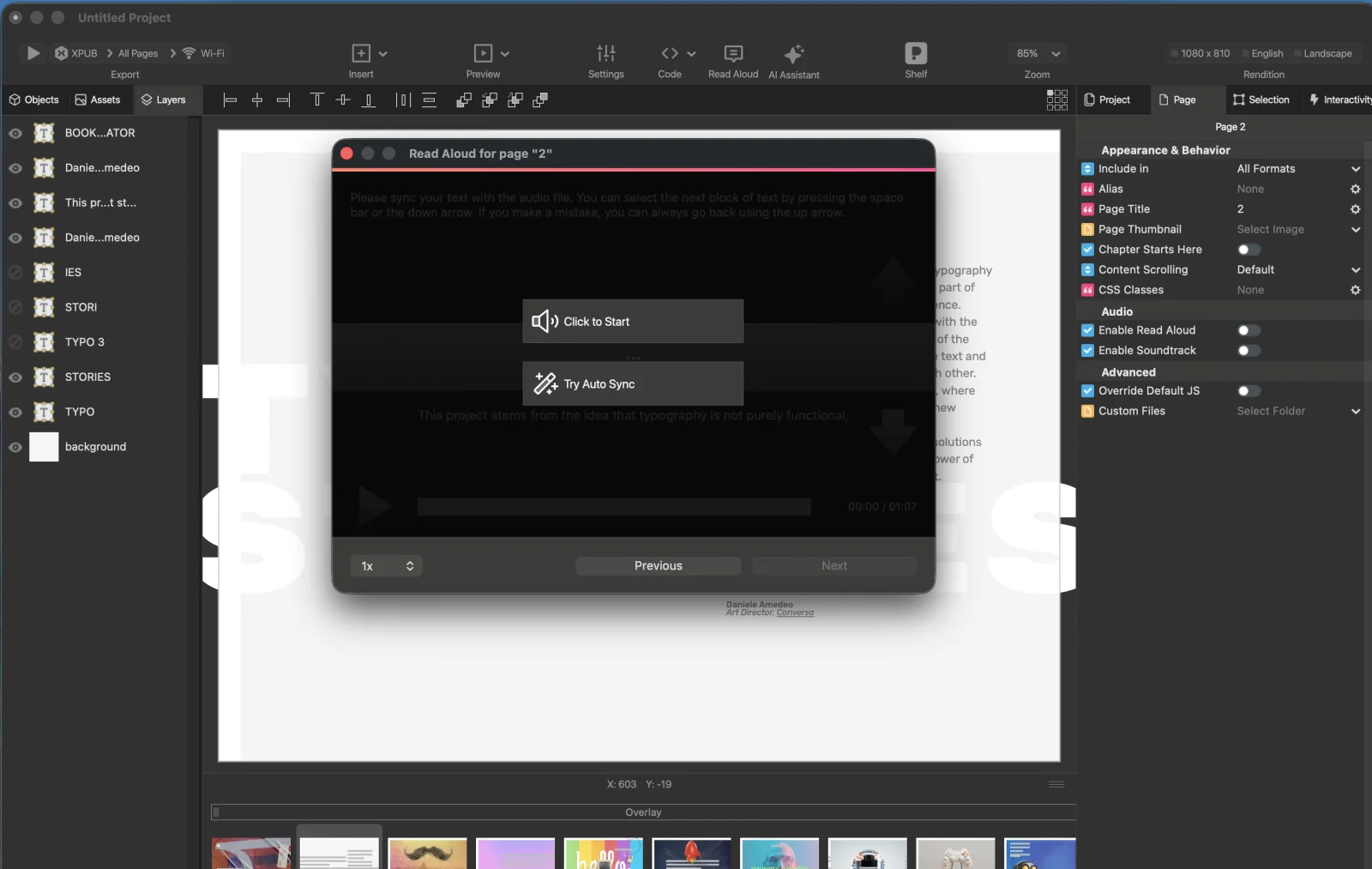
Read-aloud, generated automatically. Synchronised read-aloud is normally the slowest part of an accessible ebook: record or generate the audio, then align every word with the text. In PubCoder 6 it is done for you with Whisper, running on your own computer, with no cost per book and no upload of your content. It works with many languages, not only English.
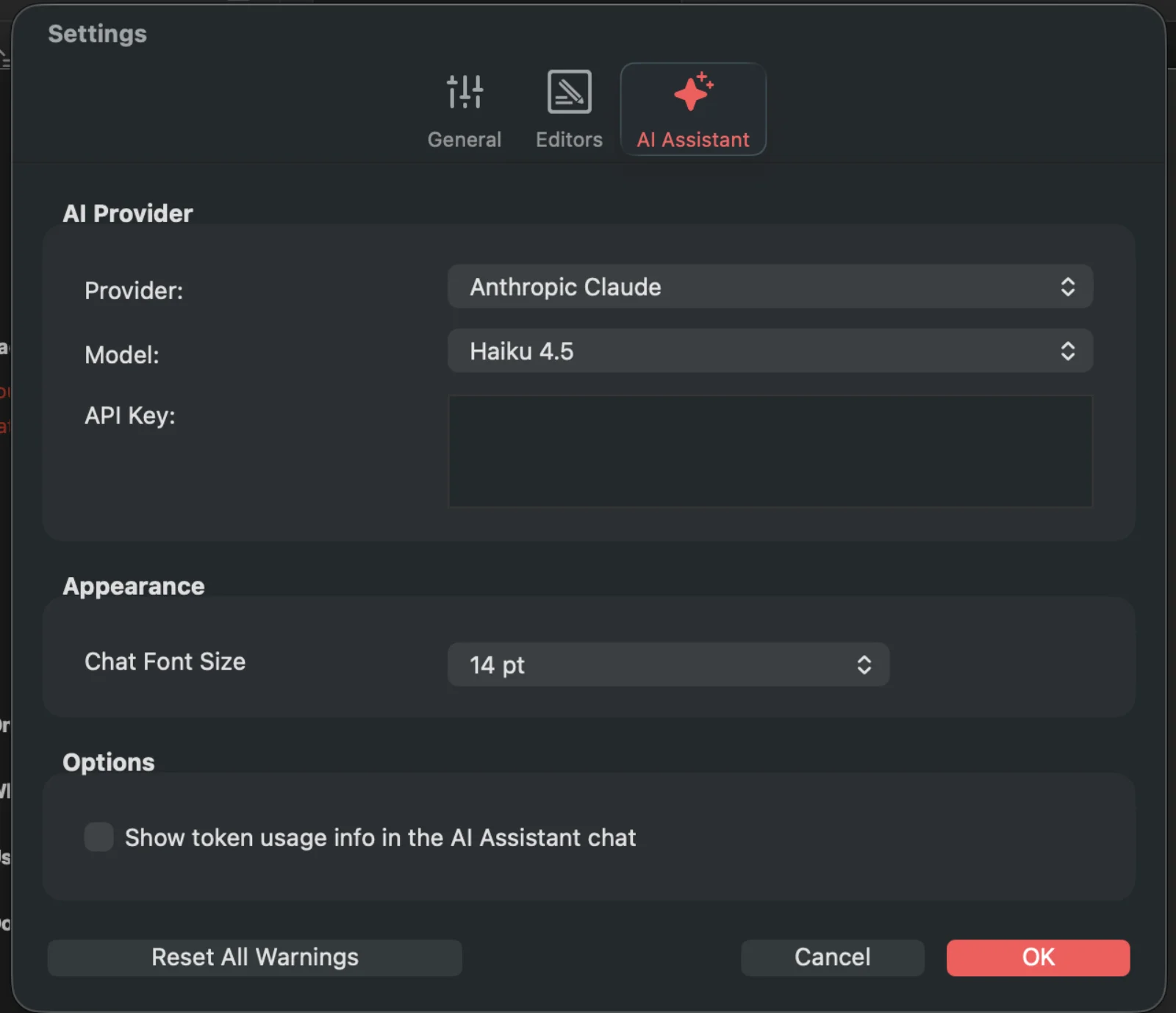
Bring your own AI account. During the beta the agent works with your own Claude, OpenAI or Gemini account.
We know that is not for everyone, so we are working on other ways to use it: connecting your own local chatbot through MCP, and a credit system for people who do not want to manage an account. These are possibilities we are exploring, and the beta will help us shape them around what the market needs.
And everything else that is new
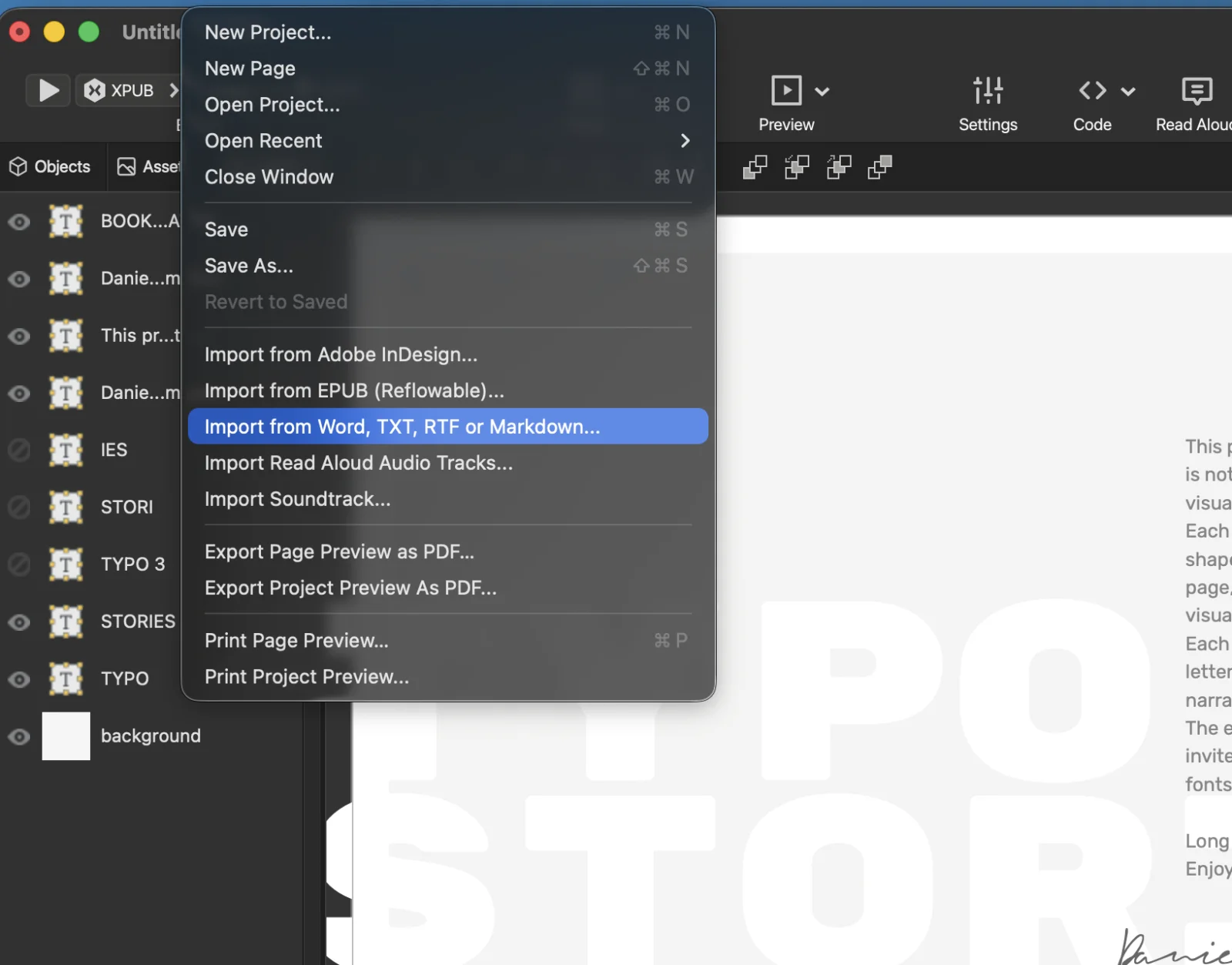
Import Word and reflowable EPUB, export them accessible. You can now bring a Word document or a reflowable EPUB into PubCoder, and export an accessible Word file or an accessible reflowable EPUB. Your text no longer has to stay locked in one format, and it comes out ready for the European Accessibility Act.
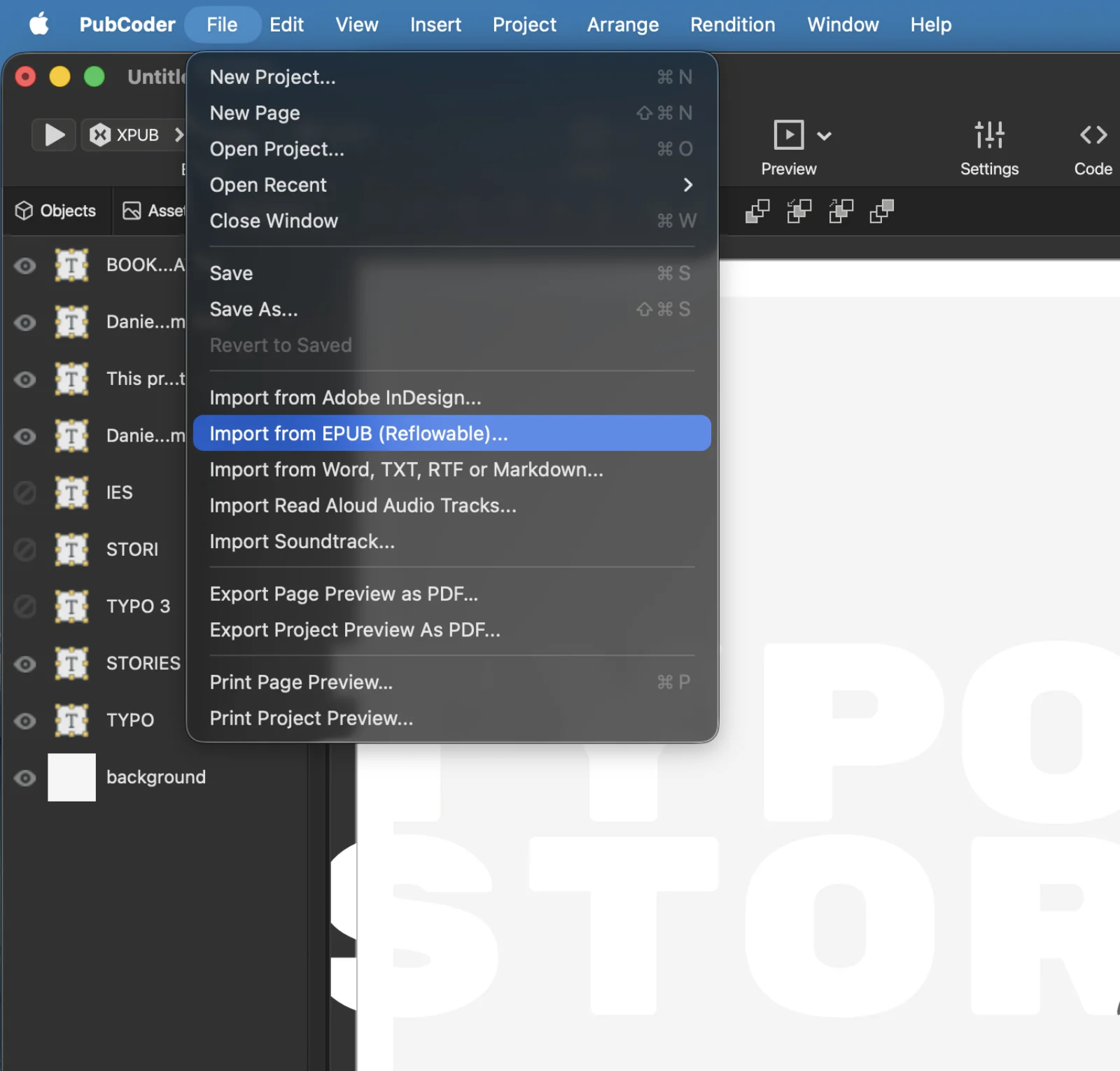
Accessible fixed-layout EPUB. From the same imported content you can build an interactive fixed-layout EPUB that validates with zero errors on Ace by DAISY, with the read-aloud generated for you. Word or reflowable EPUB in, accessible book out, whichever form you need.
One app for the whole path. Authoring, import, interactivity, read-aloud and validation happen in the same desktop app, so accessibility is part of the workflow instead of a repair job at the end.
What the AI does and does not do
The agent saves you the slow parts: the first draft, the setup of interactions, the audio sync. You still decide what the book says and how it looks, and you can change anything it made. PubCoder is an authoring tool, and the agent is a faster way to author, not a replacement for your judgment.
The PubCoder team

Ready for take off?
Download and install PubCoder on your Mac or PC. Your 15 day free trial will start automatically.


